GTA 6 ignores the controller over Xbox Remote Play: the fix that worked for us
Over Xbox Remote Play, the console's own menus followed our remote controller, but GTA 6 did not react to it at all. The game started to listen when we turned off the controller that was connected to the console itself.
First-hand · Xbox Series S · captured 19 November 2026, 02:37 UTC
What we saw
- The console was an Xbox Series S. We played it through Xbox Remote Play in a Chrome browser on a Mac, with the controller input sent from that browser.
- The Xbox guide and the console's settings followed the remote controller without trouble.
- Inside GTA 6, at the pause menu, no button of the remote controller did anything.
- A second controller was switched on and connected to the console itself.
The fix
- Press the Xbox button on the remote controller to open the guide.
- Go to Profile & system, then Settings, then Devices & connections, then Controllers & headsets. The Xbox Accessories screen opens.
- Open the page of the controller that is connected to the console and choose Turn off device.
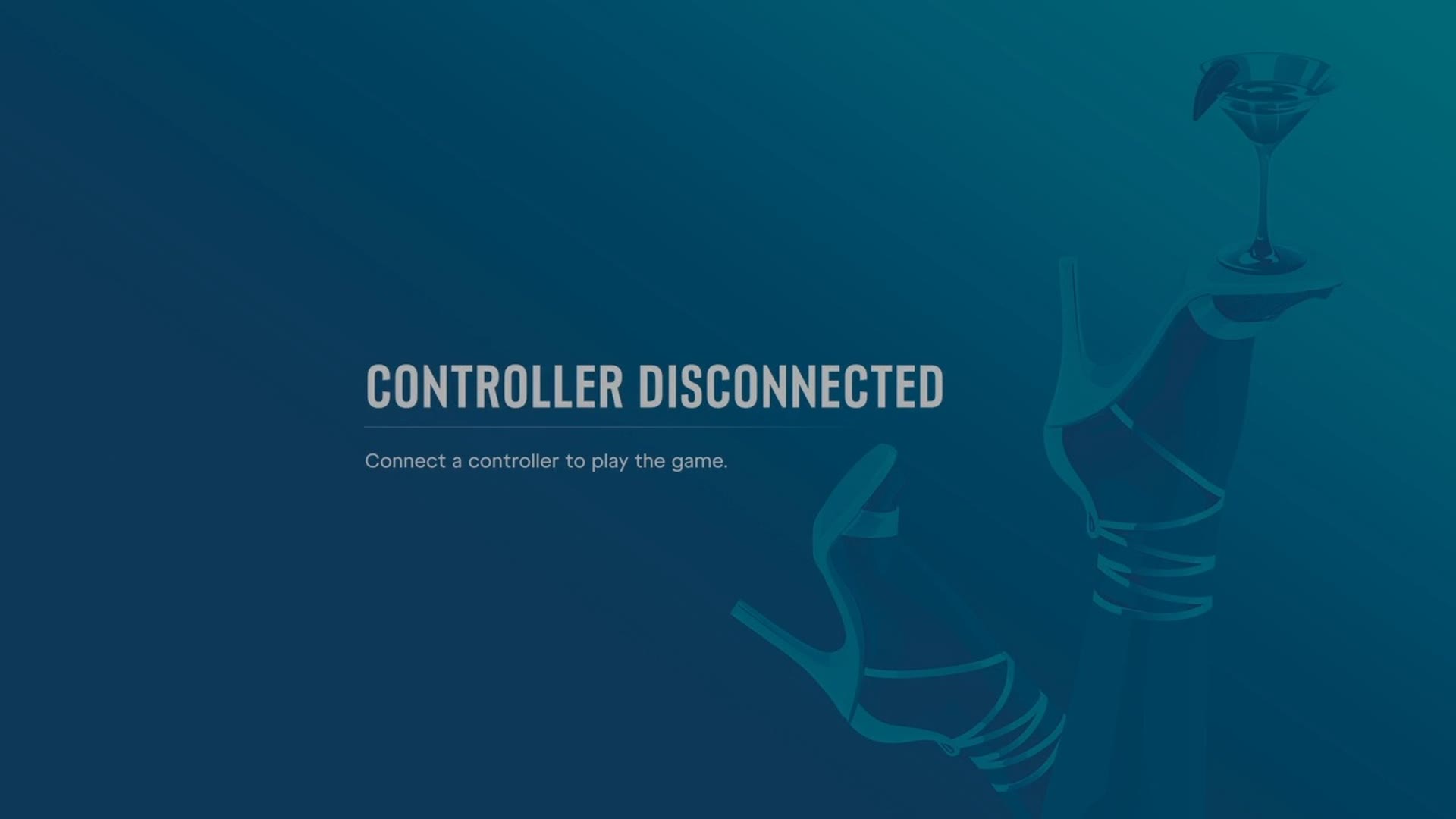
- Go back to the game. It now shows Controller disconnected, with the line "Connect a controller to play the game."
- Press A on the remote controller. The pause menu came back for us, and from then on the game followed the remote controller.
Mind the first button. On the controller's page in Xbox Accessories, the button at the top is Update now,
which starts a firmware update. Turn off device is a different button, further down.
Why it seems to happen
Our reading is that GTA 6 follows one controller at a time and kept following the one connected to the console. The console's menus do not work that way: they followed both. We saw this on one console on one night, so take it as a report of what worked, not as a rule for every setup.
What we have not tried
- Turning the console's controller off by hand instead of through the menus.
- Remote Play from the Xbox app on a phone or a tablet.
- Another console than Xbox Series S.
When you want the console's controller back, switch it on with its Xbox button.
The buttons of the game, situation by situation: GTA 6 controls on Xbox.