GTA 6 account settings: Rockstar Games account, GTA+ Boosts and legal screens
The Account tab has 9 rows in 2 sections: Rockstar Games and Legal. Only one row here is a setting. The other rows open a screen of their own.
First-hand · Xbox Series S · captured 19 November 2026, 02:43 UTC
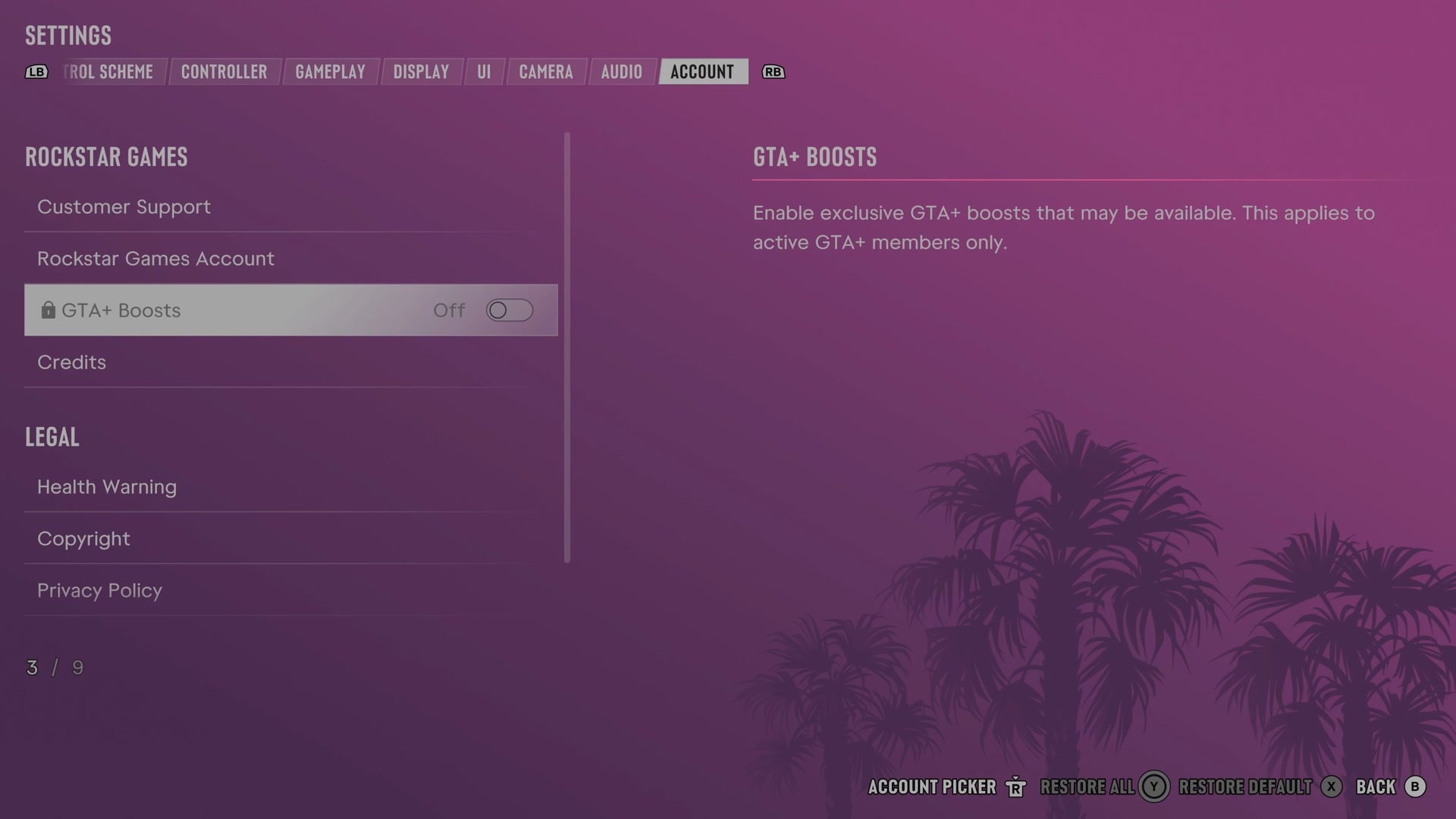
Open it from the pause menu: choose Settings, then press RB or LB until Account is lit. It is tab 8 of 8. A change takes effect as you make it, X restores the selected row to its default and B goes back.
Rockstar Games
Customer Support
Shows information about getting technical support.
Opens its own screen
Rockstar Games Account
Shows information about creating or linking a Rockstar Games account.
Opens its own screen
GTA+ Boosts
Turns available GTA+ member boosts on or off.
Switch Off on our console
Credits
Shows information about viewing the game's credits.
Opens its own screen
Legal
Health Warning
Shows the game's warning about seizures and light sensitivity.
Opens its own screen
Copyright
Shows the game's copyright and trademark notices.
Opens its own screen
Privacy Policy
Shows Rockstar's explanation of how it handles personal information.
Opens its own screen
Terms of Service
Shows the terms for using Rockstar's games, apps and services.
Opens its own screen
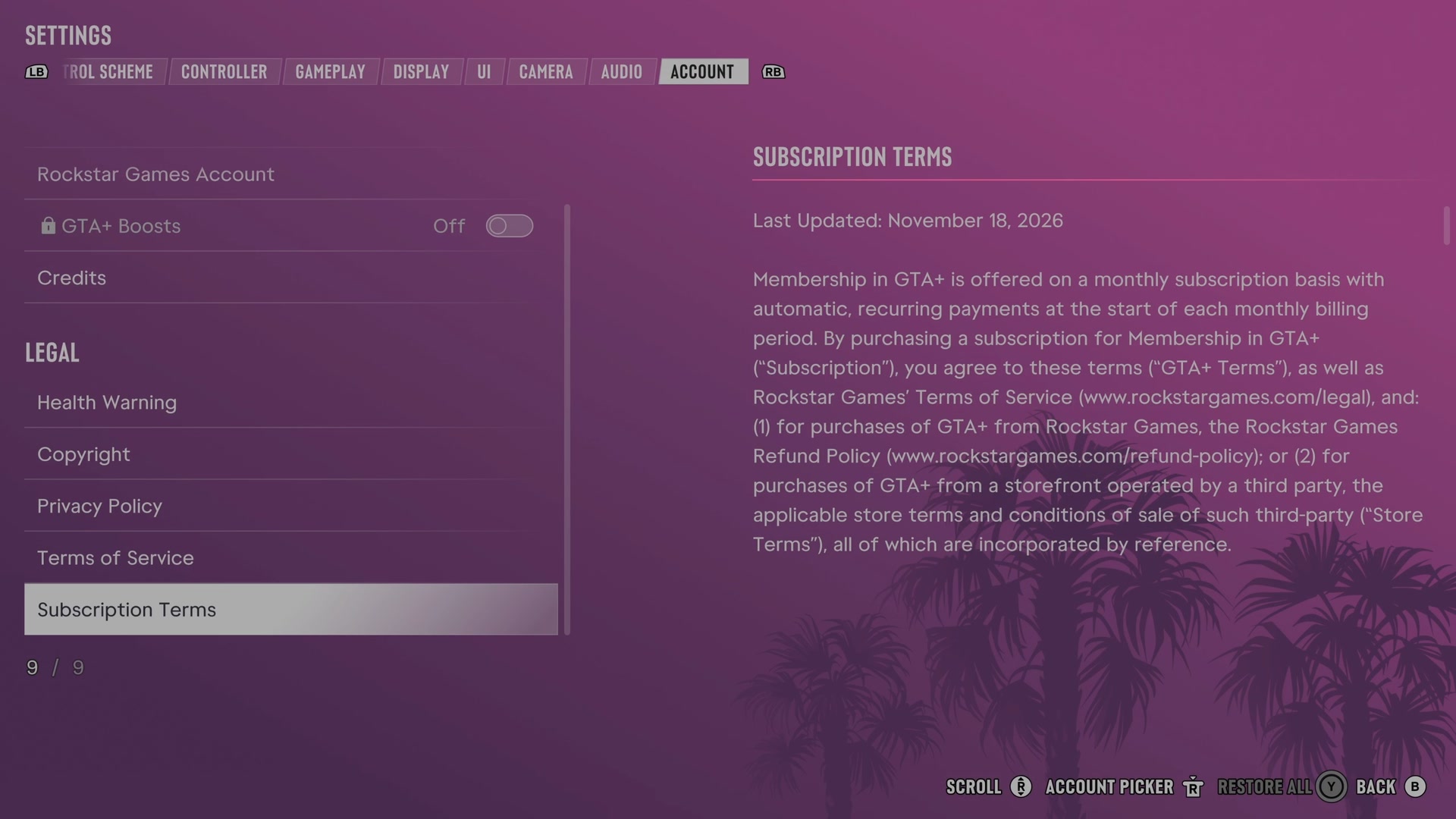
Subscription Terms
Shows the terms for a recurring GTA+ subscription.
Opens its own screen
Next to this tab: Audio. All tabs: GTA 6 settings on Xbox Series S.