How to turn the GPS voice on or off in GTA 6
The GPS Voice row on the Audio tab picks the sound of GPS directions while you drive. It has four choices: On, Tones, Voice and Off.
First-hand · Xbox Series S · captured 19 November 2026, 02:42 UTC
Steps
- Pause the game and choose Settings, the last entry of the pause menu.
- Press RB or LB until the Audio tab is lit. It is tab 7 of 8.
- Move down to the section Setup and select GPS Voice.
- Press left or right to change the value. The change takes effect at once.
- Press B to go back. X restores the selected row to its default.
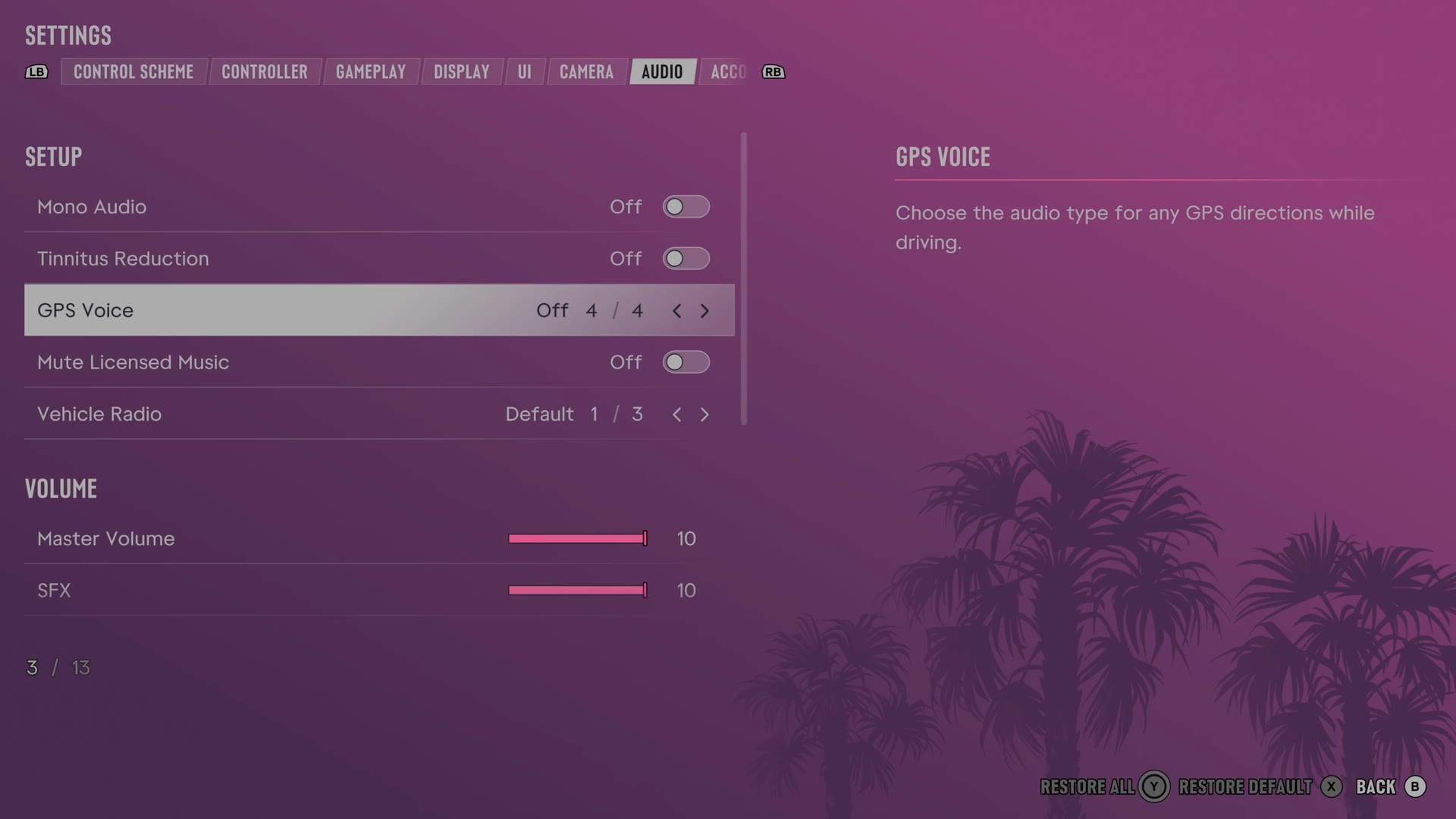
The row
GPS Voice
Chooses the sounds used for spoken or signalled GPS driving directions.
4 choices On · Tones · Voice · Off
What we do not know yet. The game's text does not say how On differs from Tones and Voice, and we have not heard them on the road.
Every row of this tab: GTA 6 audio settings: volume, GPS voice and muting licensed music. The whole screen: GTA 6 settings on Xbox Series S.