How to switch GTA 6 between metric and imperial units
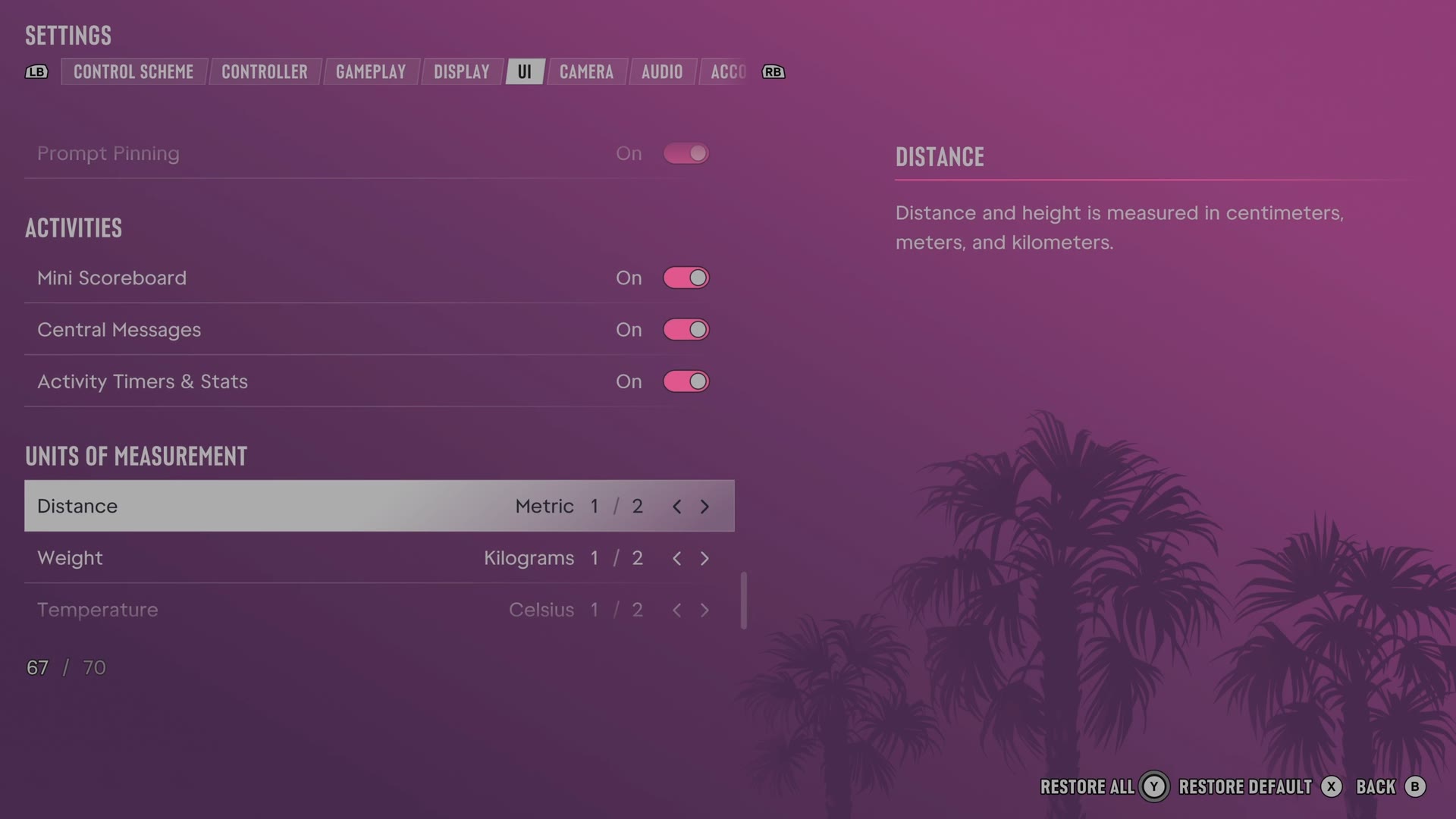
GTA 6 sets distance, weight, temperature and the clock in four separate rows. They are the last four rows of the UI tab, under Units of Measurement.
First-hand · Xbox Series S · captured 19 November 2026, 02:40 UTC
Steps
- Pause the game and choose Settings, the last entry of the pause menu.
- Press RB or LB until the UI tab is lit. It is tab 5 of 8.
- Move down to the section Units of Measurement and pick the row you want: Distance, Weight, Temperature and Clock Format.
- Press left or right to change the value. The change takes effect at once.
- Press B to go back. X restores the selected row to its default.
The rows
Distance
Chooses the units used for distance and height.
2 choices Metric · Imperial
What the game says about each choice
- Metric
- Distance and height is measured in centimeters, meters, and kilometers.
- Imperial
- Distance and height is measured in inches, feet, yards, and miles.
Weight
Chooses the units used for weight.
2 choices Kilograms · Pounds
Temperature
Chooses the units used for temperature.
2 choices Celsius · Fahrenheit
Clock Format
Chooses whether clocks use twelve or twenty-four hours.
2 choices 12 Hour · 24 Hour
Every row of this tab: GTA 6 UI and HUD settings: every row, from minimap to reticle. The whole screen: GTA 6 settings on Xbox Series S.