GTA 6 screen narration and audio descriptions
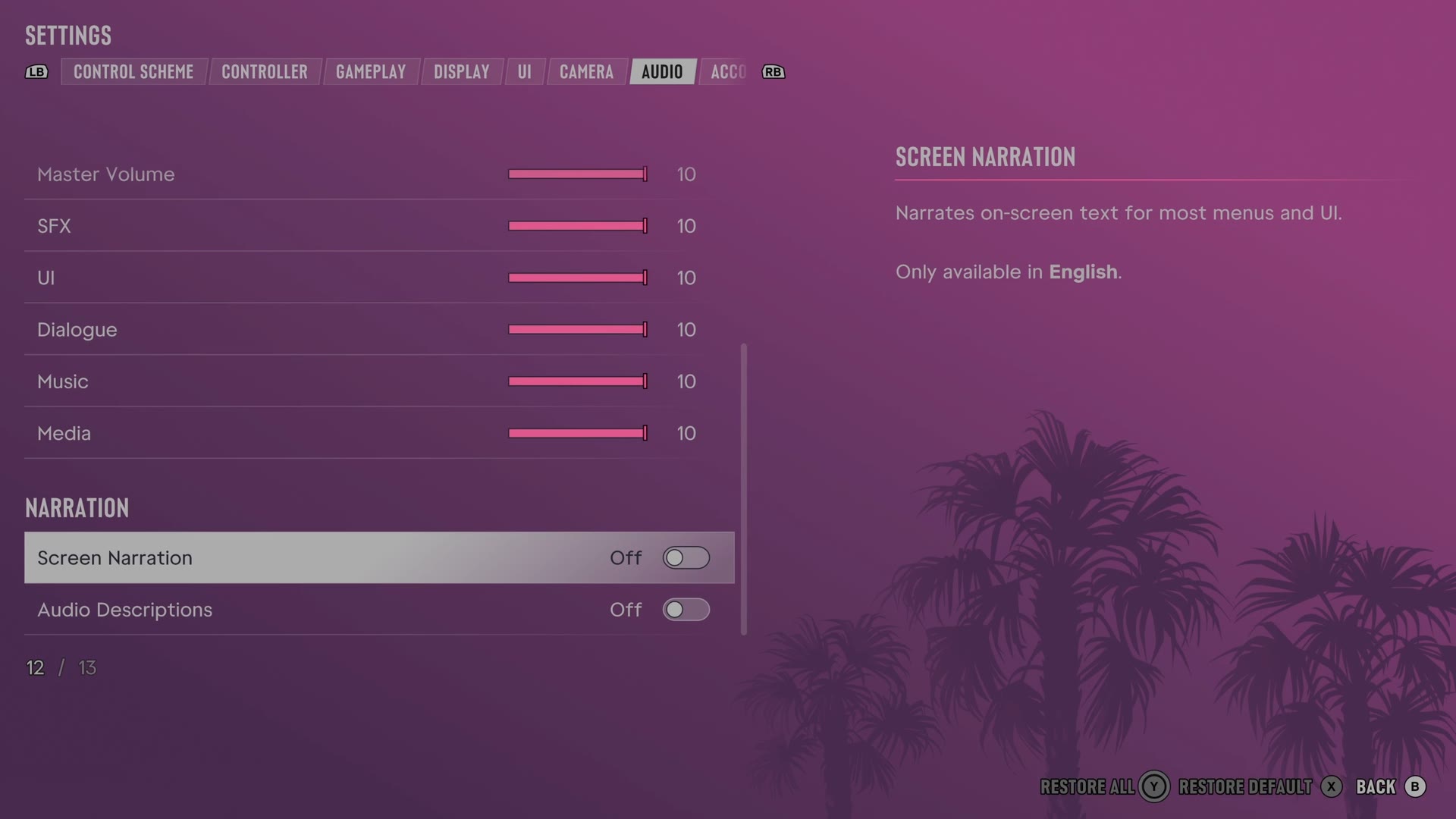
GTA 6 can narrate on-screen text and describe cutscenes aloud. Both are switches at the bottom of the Audio tab, and the game says both are only available in English.
First-hand · Xbox Series S · captured 19 November 2026, 02:42 UTC
Steps
- Pause the game and choose Settings, the last entry of the pause menu.
- Press RB or LB until the Audio tab is lit. It is tab 7 of 8.
- Move down to the sections Narration and Setup and pick the row you want: Screen Narration, Audio Descriptions, Mono Audio and Tinnitus Reduction.
- Press left or right to change the value. The change takes effect at once.
- Press B to go back. X restores the selected row to its default.
The rows
Screen Narration
Chooses whether an English voice reads text from menus and the interface.
Switch Off on our console
Audio Descriptions
Chooses whether an English voice describes cutscenes.
Switch Off on our console
Mono Audio
Balances sound equally between the left and right audio channels.
Switch Off on our console
Tinnitus Reduction
Lowers the ringing sound that follows explosions.
Switch Off on our console
Every row of this tab: GTA 6 audio settings: volume, GPS voice and muting licensed music. The whole screen: GTA 6 settings on Xbox Series S.